

The best self-improvement app is not the one with the most streaks, confetti or solemn morning notifications. It is the one that removes friction from a behaviour you genuinely want—and becomes less necessary as that behaviour takes root.
This guide compares eight apps for different jobs: reflection, gentle self-care, planning, focus, reading, mindfulness and gamified habits. I reviewed current official features and pricing information on July 28, 2026. Prices and feature tiers change, so check the linked app page before subscribing.
Quick picks: the best self-improvement apps by need
- Best for guided self-care: Finch
- Best for private journaling: Day One
- Best for turning goals into tasks: Todoist
- Best for reducing phone distraction: Forest
- Best for guided meditation and sleep: Headspace
- Best for gamified habits: Habitica
- Best free learning app: Libby
- Best app-free option: your phone’s built-in reminders, notes and focus modes
Yes, the last one counts. Self-improvement does not require installing a new digital ecosystem every time you decide to drink water.
1. Finch — best for gentle self-care and tiny daily goals
Finch turns small acts of self-care into care for a virtual bird. You set goals, complete reflections and breathing exercises, and unlock journeys or customisations. The tone is soft and encouraging, making it particularly suited to days when a conventional productivity app feels like being audited by a very efficient rectangle.
Finch says its core self-care features remain free; its optional Plus tier adds customisation and bonus content. The official Finch Plus feature guide lists free access to goals, reflections, social “vibes” and seasonal events.
Best for: starting routines at a very small scale, self-care reminders and people motivated by nurturing rather than competition.
Watch for: the virtual rewards may become the point. After two weeks, ask whether the app is helping you care for yourself or mainly improving the fictional bird’s wardrobe.
2. Day One — best for a rich, searchable journal
Day One is a dedicated journaling app with prompts, tags, media, reminders and cross-device options. It suits people who want a long-term personal archive rather than a quick mood check. Travel entries can include location and photos; personal-growth entries can be organised into separate journals.
The free Basic plan supports unlimited text entries. Paid plans add features such as multi-device use, more media, audio, scanning and integrations; current tiers are listed on the official Day One plans page.
Best for: reflective writers, travel journaling and reviewing patterns over months or years.
Watch for: adding photos, tags and perfect formatting can become an elegant form of not writing. Start with three honest sentences.
3. Todoist — best for turning personal goals into visible actions
Todoist is a task manager, not a motivational coach. That is a strength. Projects, priorities, labels, recurring dates, sections and subtasks help translate a vague goal into actions that can be scheduled.
The Beginner plan is free with limits on projects and uploads; Pro adds substantially more projects and advanced features. Check the official Todoist pricing page for current amounts and regional taxes.
Best for: goal breakdown, trip preparation, recurring personal administration and people who want one place for work and life tasks.
Watch for: a perfectly organised list can disguise an impossible workload. Use the app to decide what matters, not simply to catalogue everything demanding your attention.
4. Forest — best for getting off your phone long enough to begin
Forest visualises focused time as a growing tree. Complete sessions and a forest accumulates; leave a protected session and the tree may wither. Current versions include a focus timer, Deep Focus app blocking, ambient sounds and tracking, with expanded analytics and controls in paid tiers.
Best for: short work sessions, study, writing, phone-free meals and users motivated by a visible record.
Watch for: strict gamification can turn an interruption into unnecessary guilt. Use shorter sessions and allow essential apps where supported. A dead virtual tree is not a moral event.
5. Headspace — best for guided meditation and sleep content
Headspace offers guided meditation, sleepcasts, movement and focus content in a polished, beginner-friendly package. It is useful when you want clear instruction and a broad library rather than building a meditation practice from scattered videos.
The app is free to download but most of the library sits behind a subscription after a trial. The official Headspace subscription page lists monthly, annual, student and family options.
Best for: meditation beginners, sleep audio and people who benefit from guided structure.
Watch for: it is a wellness app, not a replacement for therapy or medical care. Also consider whether you will use the library often enough to justify an ongoing subscription.
6. Habitica — best for people who want habits to feel like a game
Habitica turns habits, daily tasks and to-dos into a role-playing game. Completing real actions earns rewards and strengthens a character; missed dailies can cost health. Social parties and challenges add accountability.
The core app is free, according to Habitica’s official FAQ, with optional paid features and purchases.
Best for: game-loving users, shared challenges and routines that need immediate feedback.
Watch for: punishment mechanics can feel motivating to one person and oddly hostile to another. Avoid loading the system with every good behaviour you can imagine. Start with three.
7. Libby — best free app for reading and learning
Libby connects a valid library card to ebooks, audiobooks and magazines from participating public libraries. Loans return automatically, content can be downloaded for offline use, and there are no subscription costs or late fees through the app. Availability depends on your library’s collection.
Best for: reading more without buying every book, audiobooks during walks or travel and exploring topics before investing in a personal copy.
Watch for: popular titles may have holds. Use tags to maintain a varied list so there is always something available rather than refreshing one six-month queue with wounded optimism.
8. Built-in phone tools — best for simple systems and privacy
Apple Reminders, Google Tasks, calendar, notes, alarms, Focus modes and Screen Time or Digital Wellbeing can cover many personal-growth needs without another account. You can schedule a weekly reflection, block distracting apps, keep a tiny habit list and set location-based reminders.
Best for: minimalists, people who abandon complex apps and anyone who wants fewer companies handling personal data.
Watch for: built-in tools provide less novelty and encouragement. That may be a disadvantage—or exactly why the system keeps working after the honeymoon week.
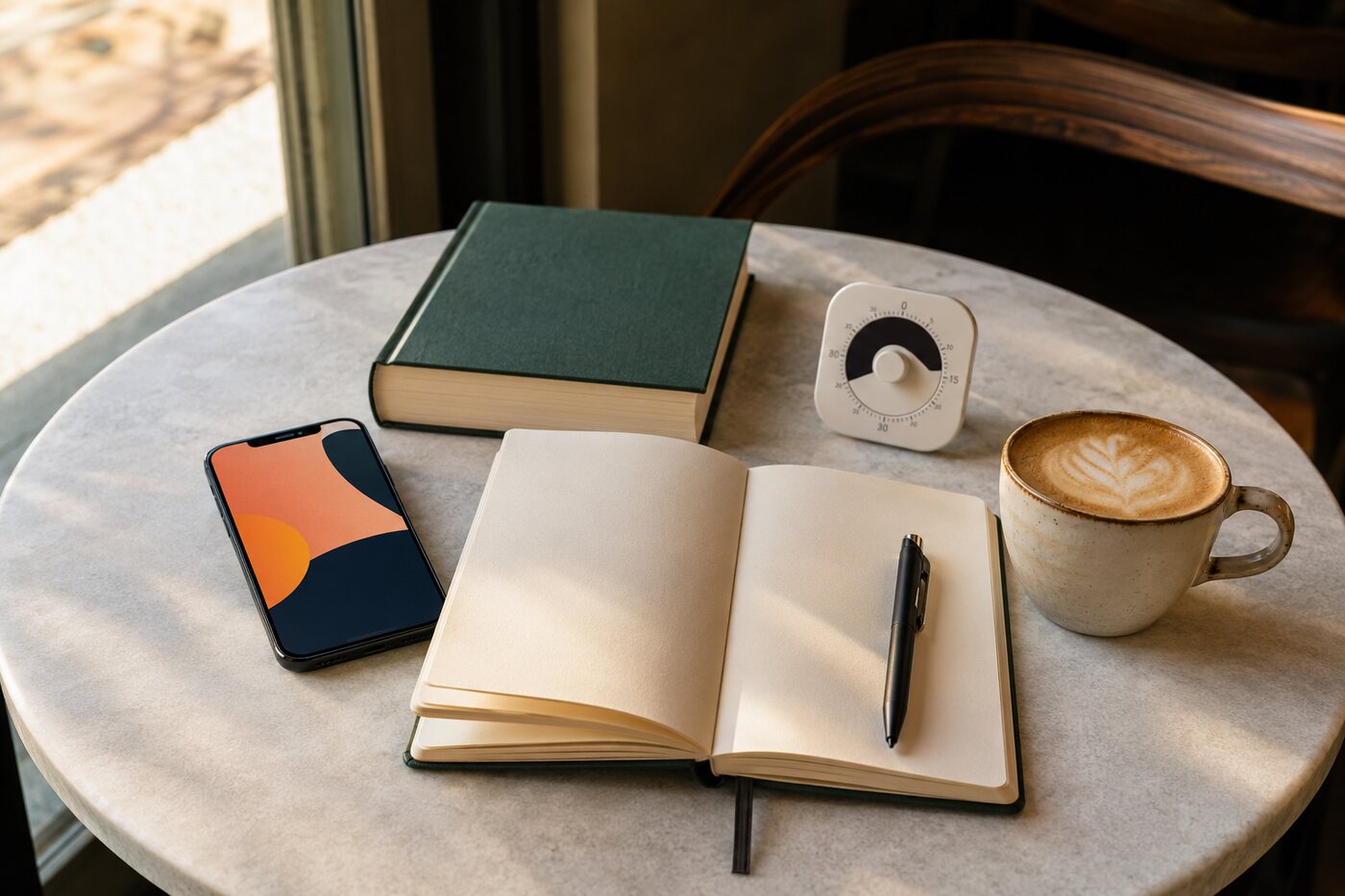
How to choose an app that supports a real habit
Start with the behaviour, not the category
“I want to improve myself” cannot guide a purchase. “I want to write three reflective sentences before bed” points toward Day One or Notes. “I want to keep my phone away for 25 minutes” points toward Forest or a built-in Focus mode.
Test the free version for two weeks
Use it under ordinary conditions, including a tired day and a busy weekend. Do not subscribe based only on the aesthetic pleasure of onboarding.
Check export, deletion and privacy options
Personal journals, mood entries and routines can reveal sensitive information. Read the current privacy policy, use device locks, enable available encryption and confirm whether you can export or delete your data. Avoid recording anything that would create serious risk if exposed.
Measure behaviour outside the app
After a month, ask:
- Am I writing, moving, focusing or reading more?
- Is the behaviour easier to restart after I miss a day?
- Does the app reduce decisions or create more administration?
- Would a simpler tool work just as well?
App engagement is not the same as personal growth. A 90-day streak of opening an app can coexist with no meaningful change, which is impressive in its own slightly bleak way.

A simple setup for four common goals
For self-reflection
Use Day One or Notes. Set one evening reminder. Write what gave energy, what drained it and one decision for tomorrow.
For focus
Use Forest or built-in Focus mode. Start with one 25-minute session and put the phone physically out of reach if possible.
For routines
Use Finch if you respond to warmth, Habitica if you respond to games or Todoist if you prefer neutral structure. Track no more than three new behaviours initially.
For learning
Use Libby for material, Todoist for the next action and a notebook for the one idea you intend to apply. Collecting information is not yet learning; it is very well-furnished potential.
Frequently asked questions
Are self-improvement apps worth paying for?
A paid app can be worthwhile when you use a distinctive feature consistently and it replaces another expense or solves real friction. Do not pay only to make yourself feel committed. Test the behaviour first.
What is the best free self-improvement app?
Libby is the strongest completely free learning option for people with a participating library card. Finch and Habitica offer useful free core features, while built-in phone tools may be enough for planning and focus.
Can an app improve mental health?
An app may support meditation, reflection, routines or access to care, but results vary and wellness tools are not substitutes for diagnosis or professional treatment. Seek qualified help when distress is persistent, severe or affecting daily functioning.
Install less, practise more
Choose one app for one behaviour. Remove notifications that do not serve that behaviour. Review after two weeks and keep it only if your life outside the screen is changing.
The most useful self-improvement app should eventually direct your attention away from itself—to the page, the walk, the conversation, the focused work or the library book waiting in your bag.